

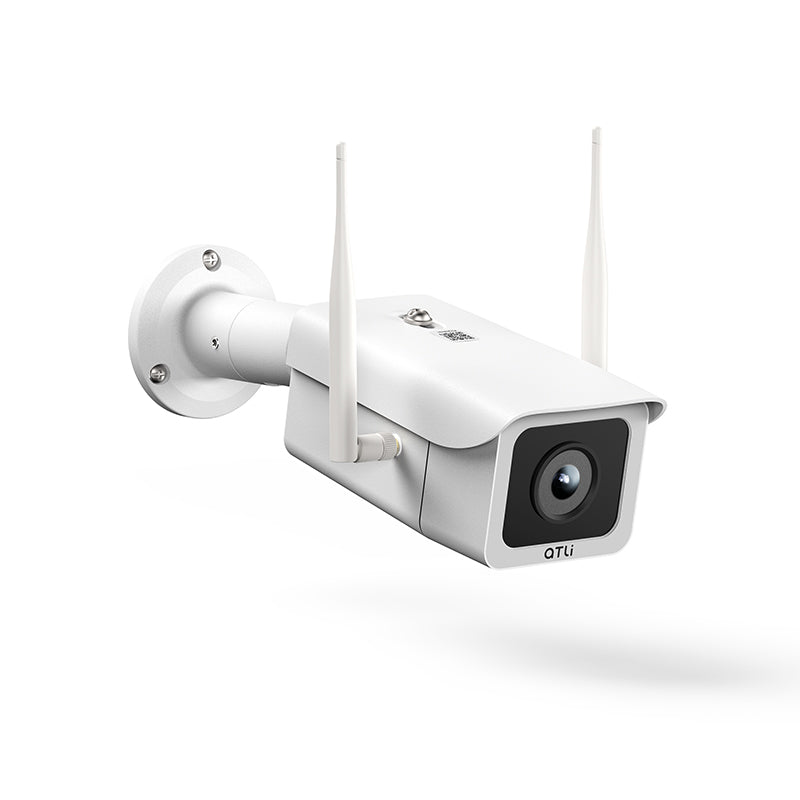
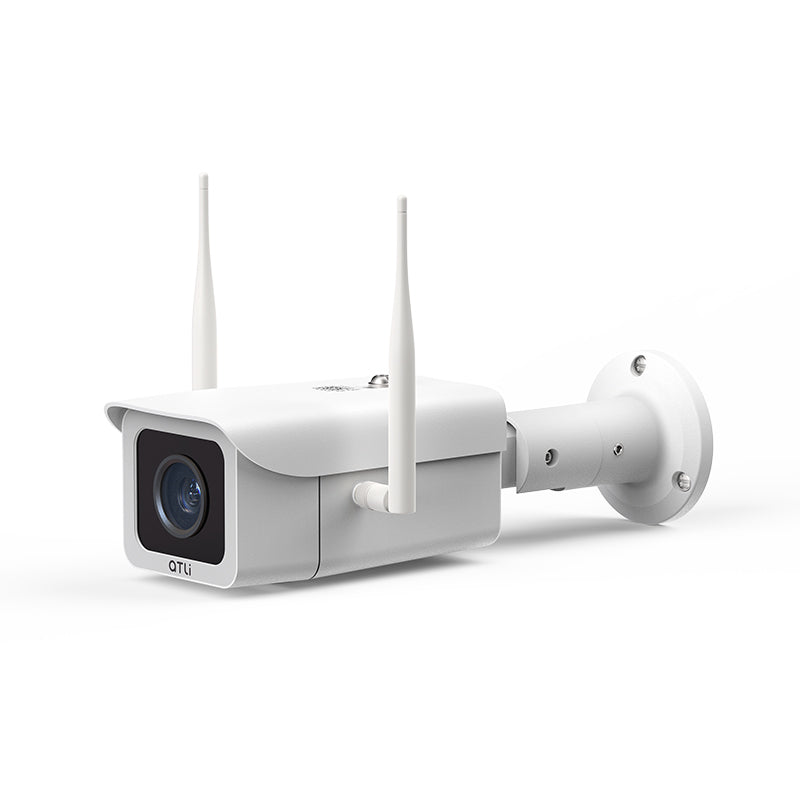
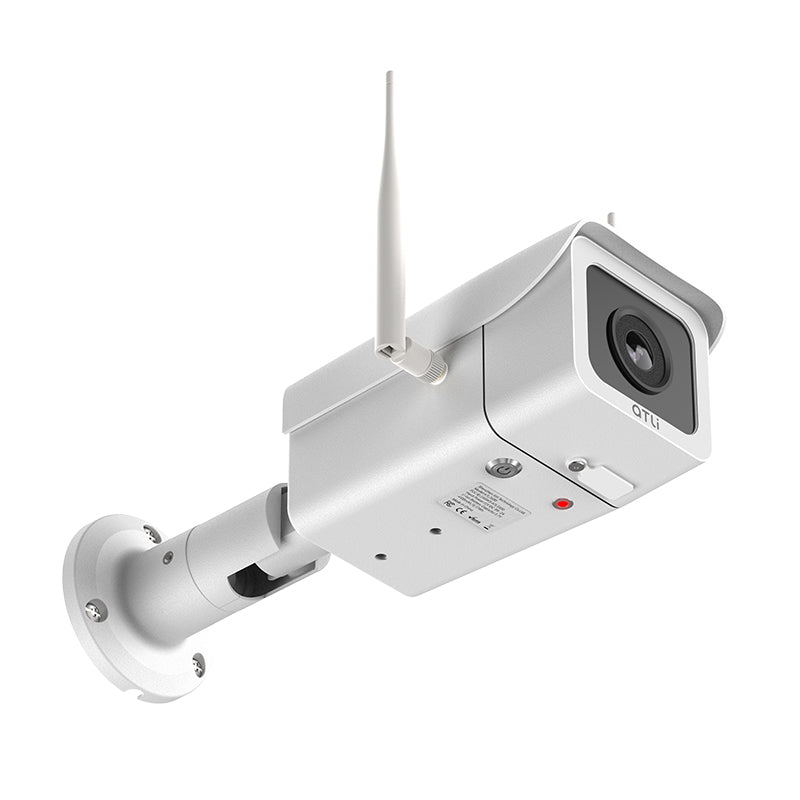


ATLI ATL3500 Construction Time Lapse Camera
| Resolution | Video: 1920*1080 / Photo: 2688*1520 |
| Field of View | 110° Wide Angle |
| Connectivity | 2.4/5GHz Wi-Fi |
| Storage | MicroSD (Up to 128GB) / Cloud Sync |
| App Support | iOS / Android / MacOS / Windows |
| Power | DC 12V / 2A (Solar Power Supported) |
Shipping & Delivery
Worldwide Shipping: We offer Standard Shipping (by default) and Expedited Shipping. For expedite service, please contact customer support for a quote/details.
Processing Time: Orders are processed within 1-2 business days.
Estimated Delivery:
• USA & Canada: 5-10 business days
• Europe: 7-14 business days
• Asia & Others: 5-10 business days
Frequently Asked Questions
Q: What files will I receive?
A: Depending on your settings, you will receive a single .mp4 video file, a collection of individual .jpeg images, or both.
Q: Remote view & download?
A: Yes. Once connected to the internet via Wi-Fi, you can use our desktop client or mobile app to remotely view the footages and download recorded videos from anywhere.
Q: Can it handle heavy rain?
A: Yes, the IP65 rating ensures protection against dust and water jets from any direction, making it ideal for outdoor construction sites.
Pairs well with
In stock! Ships within 1-2 business days.
1-Year Warranty
ATLI ATL3500 Construction Time Lapse Camera
If you have any questions, you are always welcome to contact us. We'll get back to you as soon as possible, within 24 hours on weekdays.
-
Shipping Information
Use this text to answer questions in as much detail as possible for your customers.
-
Customer Support
Use this text to answer questions in as much detail as possible for your customers.
-
FAQ’s
Use this text to answer questions in as much detail as possible for your customers.
-
Contact Us
Use this text to answer questions in as much detail as possible for your customers.
ATL3500: Reliable Project Time Lapse & Remote Management
Stay connected to your project from anywhere with the ATL3500. Secure remote access provides real-time visibility and a complete historical record, allowing you to manage footage from your office or on the go.
📸 Core Imaging
Reliable 1080P Optics
- 1080P Full HD
- 110° Wide Angle
🏗️ All-Weather Design
Built for the Job Site
- IP67 Weatherproof
- Flexible Mounting
- External Power Support
⚙️ Remote Project Control
Remote Management
- Scheduled Capture
- Mobile/PC Control
- Auto Cloud Backup
High-Coverage Full HD Capture

Robust Design for Outdoor Environments

Smart Control and Connectivity

Preview and download videos and photos via the ATLI Cam+ mobile app or ATLI Desk PC client no matter where you are.
APP Free Download →
Explore Case Studies
See how professionals use the ATL3500 to document projects of all scales, from small renovations to massive construction sites.
Slipform Silos Building Project

Over the course of 450 days, the camera provided meticulous documentation, capturing every stage from initial foundation work to the final structural completion of the massive silos.
Watch VideoNanning Elementary School

This documentation covers the entire process of a new school's development, tracking construction from groundbreaking to being student-ready in just over 150 days.
Watch VideoSteel Structure Lifting Process

A captivating time lapse showcases the precise assembly and lifting of the large steel structure at the Zhanjiang Art and Culture Center, demonstrating critical project milestones.
Watch VideoSpecifications
| Basic | |
|---|---|
| Lens | 6 Elements Aspherical Lens |
| Resolution | 1080P@25fps |
| Field of View | 110° |
| Focal Range | 3m - Infinity |
| Focus Method | Fixed |
| Weatherproof Level | IP67 |
| Capture Mode | Time Lapse/Photo |
| Schedule | Daily/Weekly/Custom |
| Timelapse Output | Video only, Photo only, Video + JPG |
| Realtime Playback | Supported |
| Remote Access | Support on Mobile and PC |
| Cloud Sync | Support Google Drive, Baidu Cloud |
| App Control | Mobile: iOS / Android PC: Windows/MacOS |
| Wi-Fi Connectivity | 2.4/5GHz Dual Band Wi-Fi IEEE 802.11 a/b/g/n/ac |
| Storage | 128GB (Memory card pre-installed) |
| Power | DC 12V⎓2A |
| External Power | Solar Power Supported |
| Operating Temperature | -10°C - 50 °C |
| Material | Aluminum Alloy Housing |
| Weight | 890g |
| Dimension | 75*83*295 mm |
Frequently Asked Questions
💡Looking for 4K Advanced Option?
For projects requiring the highest level of clarity, advanced sensor performance, and forensic detail, discover our flagship 4K model.
Learn more about ATL4500Compare the ATL seriesNeed a Custom Solution for Your Project?
For specialized firmware, custom features, or large-scale project deployment, our team provides tailored time-lapse solutions.
Contact us