

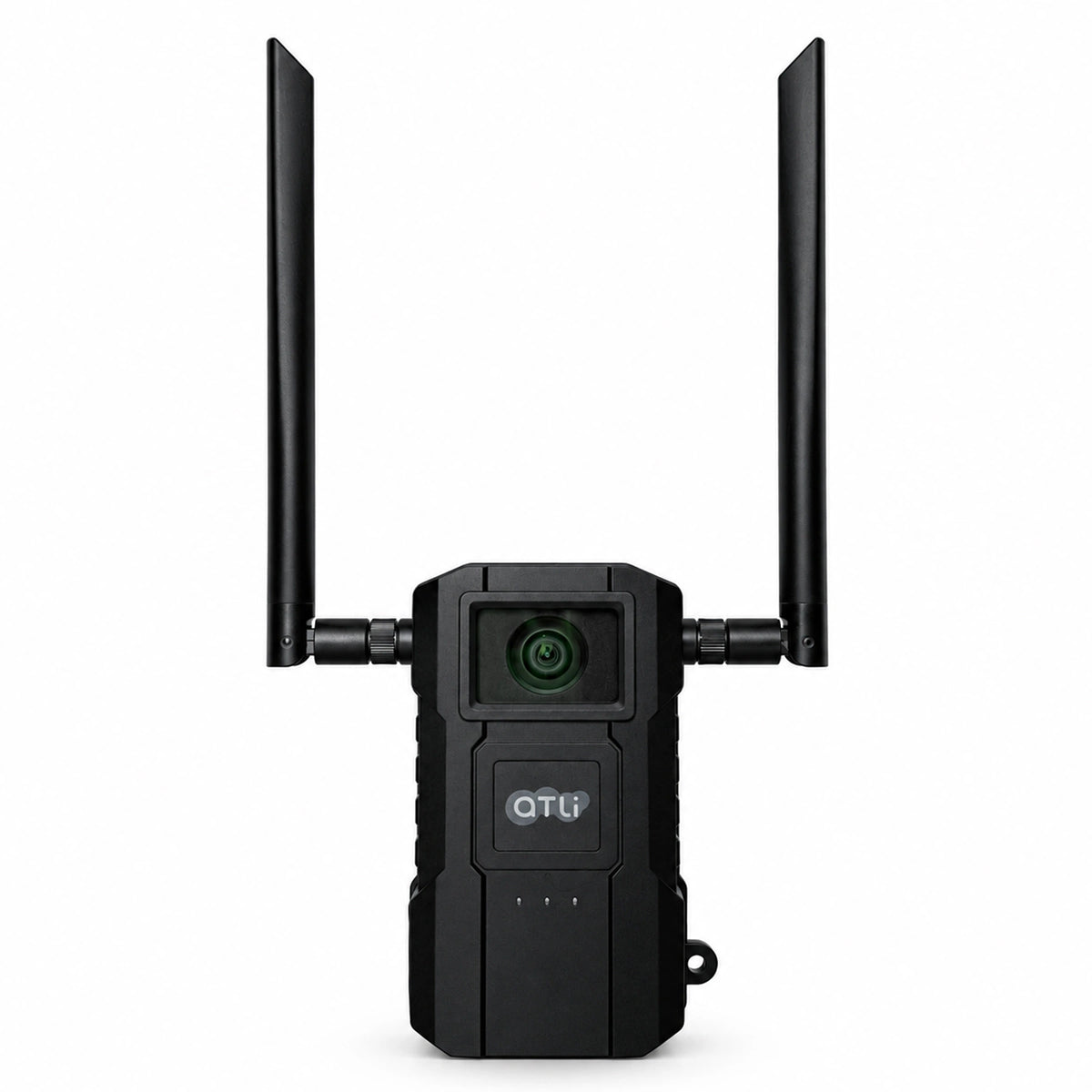
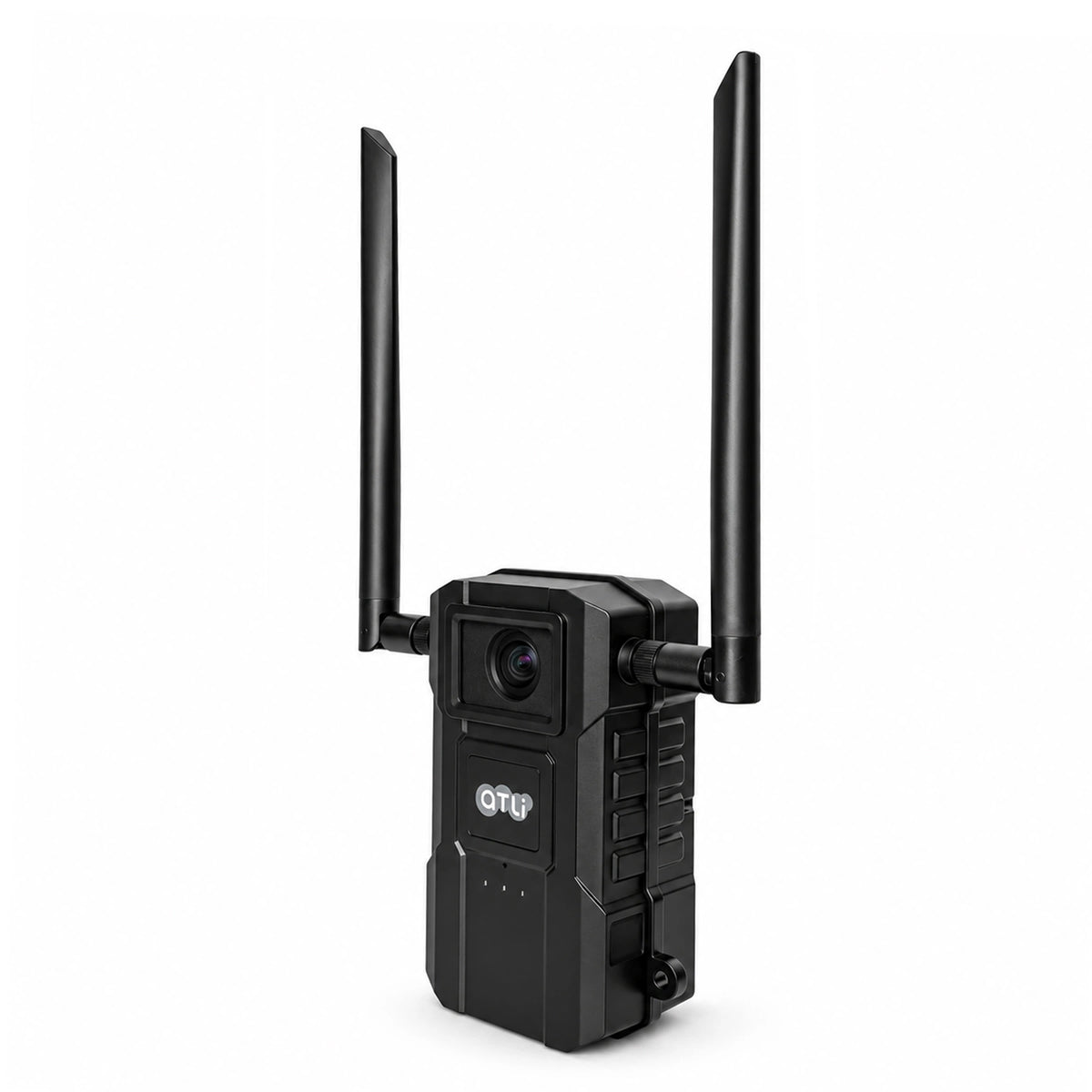
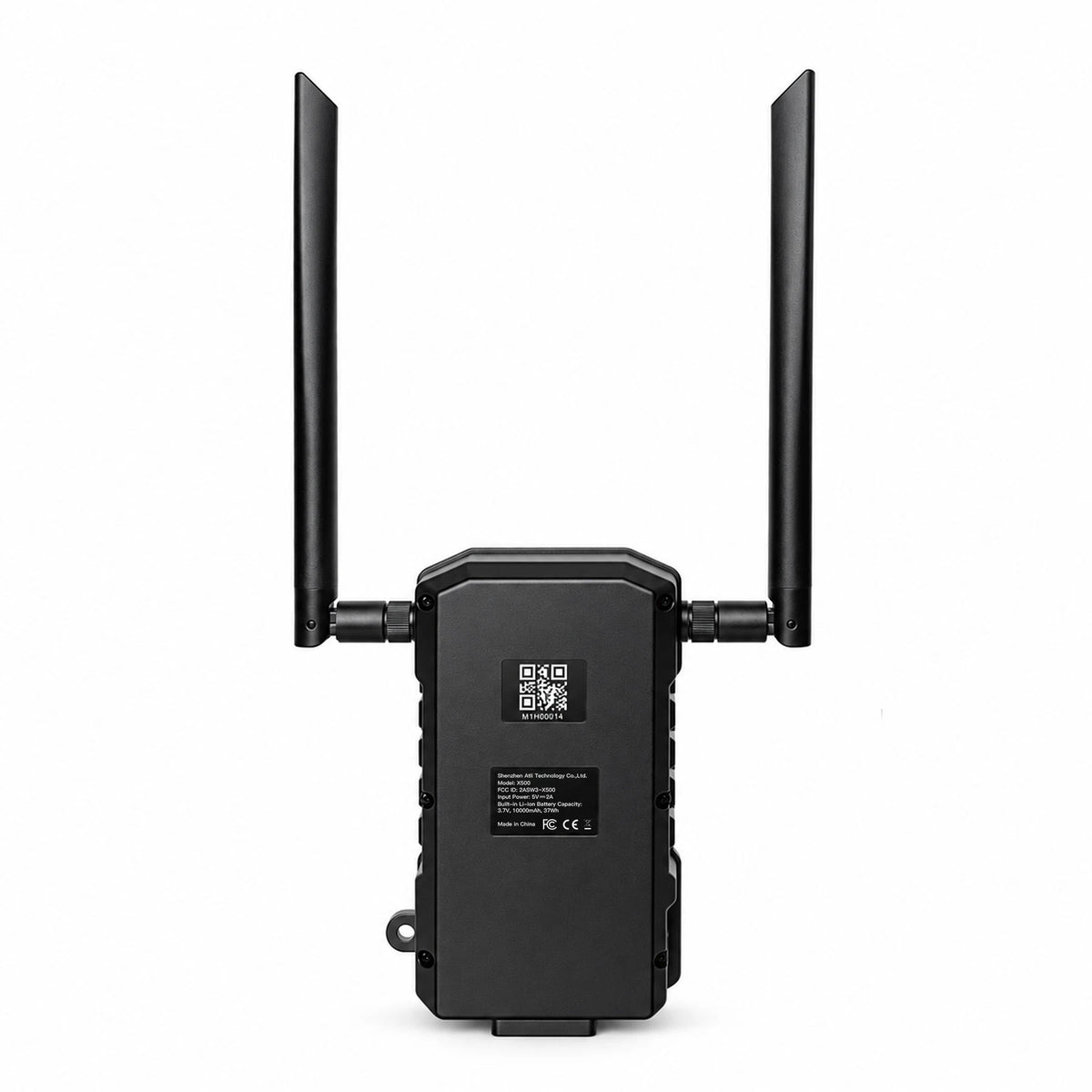
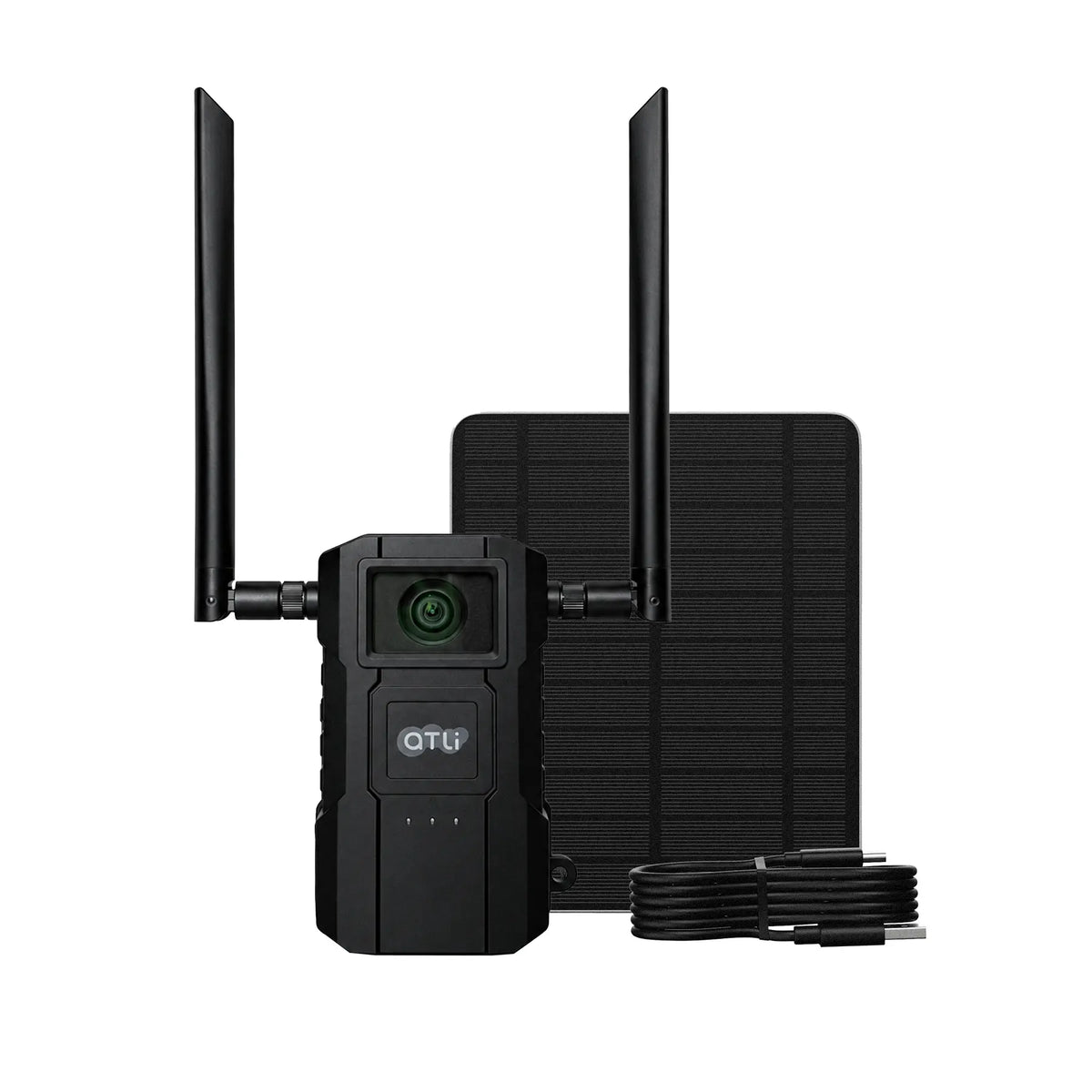
ATLI X500 4K Outdoor Time Lapse Camera
| Resolution | 4K UHD |
| FOV | 118° Ultra-Wide |
| Power | 10,000mAh Rechargeable Battery |
| Solar Panel | 5V 5W Solar Kit Included (Supports up to 5V/30W) |
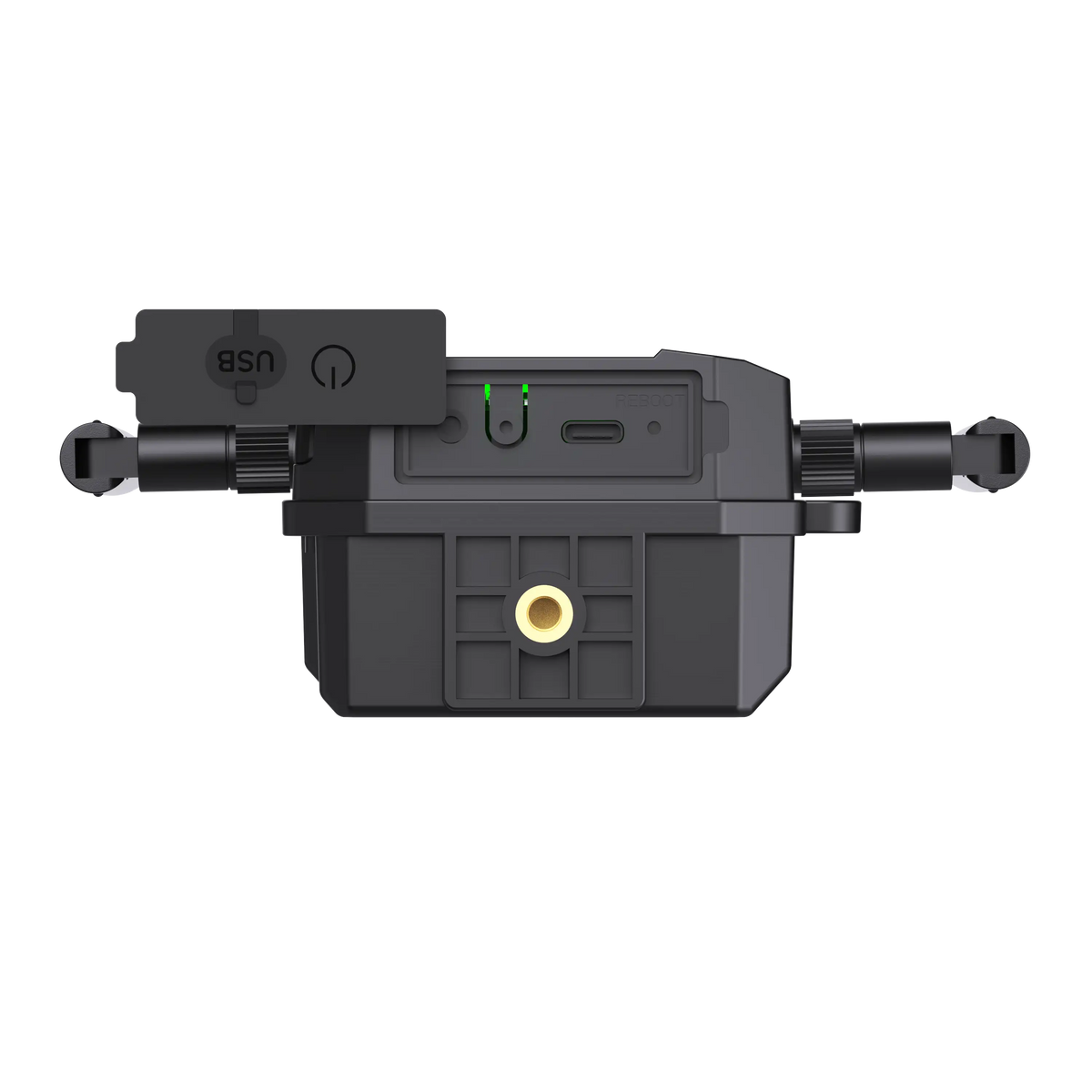
| External Power | USB-C, DC 5V / 2A |
| Weatherproof | IP65 |
| Connectivity | Wi-Fi & Bluetooth |
| Storage | 128GB MicroSD Card Included |
| App Control | iOS / Android |
Shipping & Delivery
Worldwide Shipping: We offer Standard Shipping (by default) and Expedited Shipping. For expedite service, please contact us.
Processing Time: Orders are processed within 1-2 business days.
Estimated Delivery:
• USA & Canada: 5-7 business days
• Europe: 7-14 business days
• Asia & Others: 5-10 business days
Frequently Asked Questions
Q: Can I use X500 for a project that lasts several months?
A: Yes. X500 has a built-in rechargeable battery for long-term time-lapse recording. Where possible, we recommend connecting a compatible 5V solar panel to help keep the camera powered throughout your project.
Q: How long does the battery last?
A: Battery life depends on your shooting interval, recording schedule, temperature, and usage. Power Saving mode helps reduce power consumption between shots for longer recording periods. As a reference, X500 lasts approximately 46 days when taking one photo every 60 seconds, nonstop, 24/7 with Power Saving enabled.
Q: Can I access X500 over the internet?
A: No. X500 uses a local App connection for nearby control. It does not offer internet-based remote access. If you need to monitor and control your camera from another location, consider the ATLI ATL4500 or ATL4500G.
Q: Is it waterproof?
A: Yes. The camera features an IP65 weatherproof housing, protecting it against dust and water jets from any direction.
Q: Can I swap the battery?
A: No. X500’s rechargeable battery is built in and cannot be swapped. You can recharge it via USB-C or connect a compatible solar panel.
Pairs well with

Built for the Long Run. Ready for Off-Grid.
Capture change over time in stunning 4K with a wide 118° view. Mount it anywhere, set your time lapse schedule, and keep recording off-grid with solar charging support and Power Saving Mode.

Capture More in Every Frame
A 118° ultra-wide view covers more of the area you need to monitor, helping reduce blind spots and capture important changes—even when camera placement is limited.
Built for Extended Off-Grid Recording.
Designed for outdoor projects without access to grid power, X500 combines a built-in rechargeable battery, Power Saving Mode, and solar charging support for long-term time lapse recording.

Standalone Battery Power
Record without a nearby power outlet, wherever your project needs coverage.
5V Compact Solar Panel (Included)
Recharges the battery when sufficient sunlight is available, reducing the need for manual charging.
Power Saving Mode
Reduces energy use between shots to extend battery life.
Built Tough. Ready for the Outdoors.
X500’s IP65-rated enclosure protects against dust and rain, helping keep your time lapse projects recording through changing outdoor conditions.

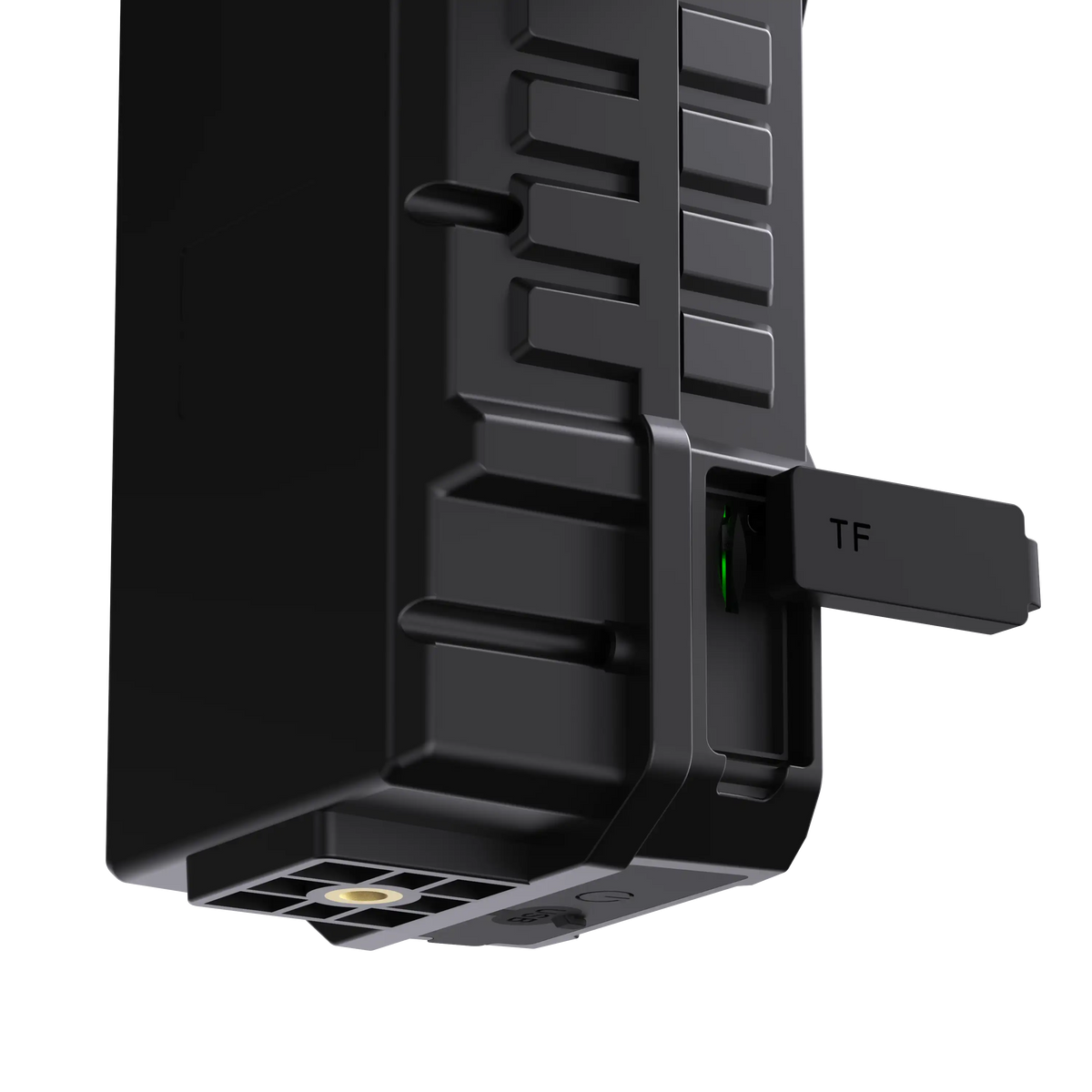
To maintain water resistance, make sure all silicone covers are firmly seated in their designated slots. When using external power, use the supplied USB-C cable or ensure the alternative connector fits securely within the silicone seal.
App Control. Right from the Ground.
Control your ATLI X500 from your phone—without climbing ladders or repeatedly accessing the camera.

Preview and Adjust
Check your camera’s view and adjust exposure, ISO, white balance, and shutter speed from your phone.
Schedule and Leave It Running
Set capture intervals and recording hours. X500 continues recording without your phone staying connected.
Download Footage
Connect locally to download 4K time lapse clips directly to your phone.
Technical Specifications
| Image Resolution | 4K UHD (3840 × 2160) |
|---|---|
| Field of View | 118° ultra-wide |
| Power | 10,000mAh rechargeable battery |
| External Power | USB-C, DC 5V / 2A |
| Solar Panel | 5V 5W solar panel kit included |
| Weatherproof | IP65 weatherproof |
| Connection | Bluetooth & Wi-Fi |
| Storage Support | microSD card up to 512GB, U3 / V30 or higher recommended |
| App | ATLI Cam+ App (iOS / Android) |

What's in the Box
- 1 × X500 Camera with 128GB microSD card preinstalled
- 1 × 1.5m USB-C Cable
- 1 × 5V 5W Solar Panel Kit
- 1 × Camera User Manual
Frequently Asked Questions
1. How do I set up and control the X500 camera?
Use the ATLI Cam+ mobile app on iOS or Android to register your X500, complete its local wireless setup, preview the camera view, adjust recording settings, and access footage.
Desktop control is not supported in the current X500 version.
2. Can X500 operate without an external power source?
Yes. X500 has a built-in 10,000mAh rechargeable battery and can operate without an external power connection.
For long-term operation, we recommend enabling Power Saving Mode and connecting the included 5W solar panel to help maintain battery power. Actual performance depends on recording settings, sunlight availability, and environmental conditions.
3. How long does the battery last?
Battery life depends on recording settings and Power Saving Mode.
Based on tests conducted at room temperature, with a fully charged battery and no external power, X500 achieved approximately:
- 46 days at 60-second time lapse intervals with Power Saving Mode enabled.
- 26–31 hours at 8-second time lapse intervals with Power Saving Mode disabled.
- 18 hours in continuous 4K video recording mode.
Actual battery life may vary depending on operating conditions.
4. Can X500 be used for projects lasting several months?
Yes, with the right recording settings and power setup.
For long-term projects, we recommend enabling Power Saving Mode and using the included 5W solar panel to help maintain battery power. Actual operating time depends on recording settings, sunlight availability, and environmental conditions.
5. Can X500 be used outdoors?
Yes. X500 is IP65-rated for dust and water resistance, making it suitable for outdoor use.
To maintain water resistance, ensure all silicone covers are firmly seated in their designated slots. When connecting external power, use the supplied USB-C cable or ensure an alternative connector fits securely within the silicone seal.
6. Can I access X500 remotely over the internet?
No. X500 is designed for local wireless access through ATLI Cam+ and does not support internet-based remote access.
If your project requires remote site monitoring and control, consider the ATLI 4500G.
7. Do I need to leave my phone connected while it records?
No. Once a recording task is set up through ATLI Cam+, X500 operates independently according to your settings. Your phone does not need to remain connected.
8. Can I replace the battery?
Please contact ATLI customer support for further information and assistance.
9. Can I zoom in or out?
No. X500 has a fixed lens and does not support zoom. Adjust the camera position to achieve your preferred framing.
10. What type of memory card does X500 support?
X500 supports microSD cards up to 512GB. We recommend using a U3/V30 or higher-rated card for reliable 4K recording.
Please refer to the package contents for the memory card included with your purchase.
11. What happens if the battery runs out during recording?
If the battery runs out, X500 stops recording and displays a low-battery termination warning. Recording will not resume automatically after power is restored. You will need to restart the recording task.
12. Do I need a subscription to use X500?
No. X500 can be operated with the ATLI Cam+ app without subscription fees.