
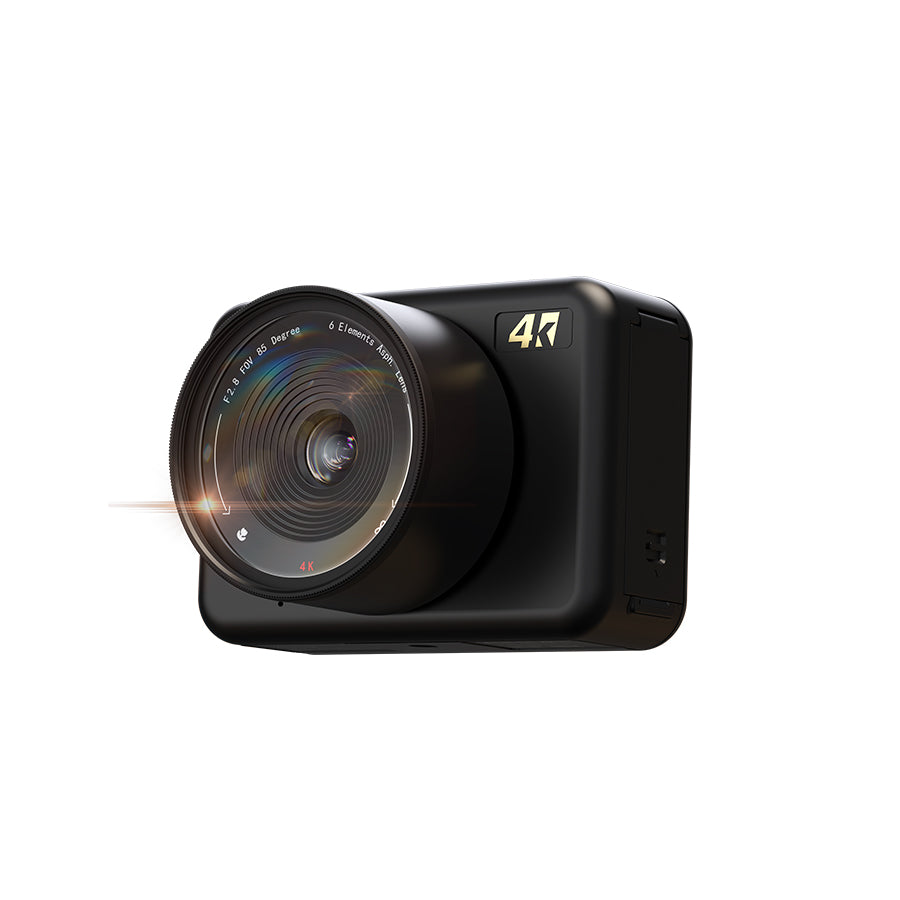
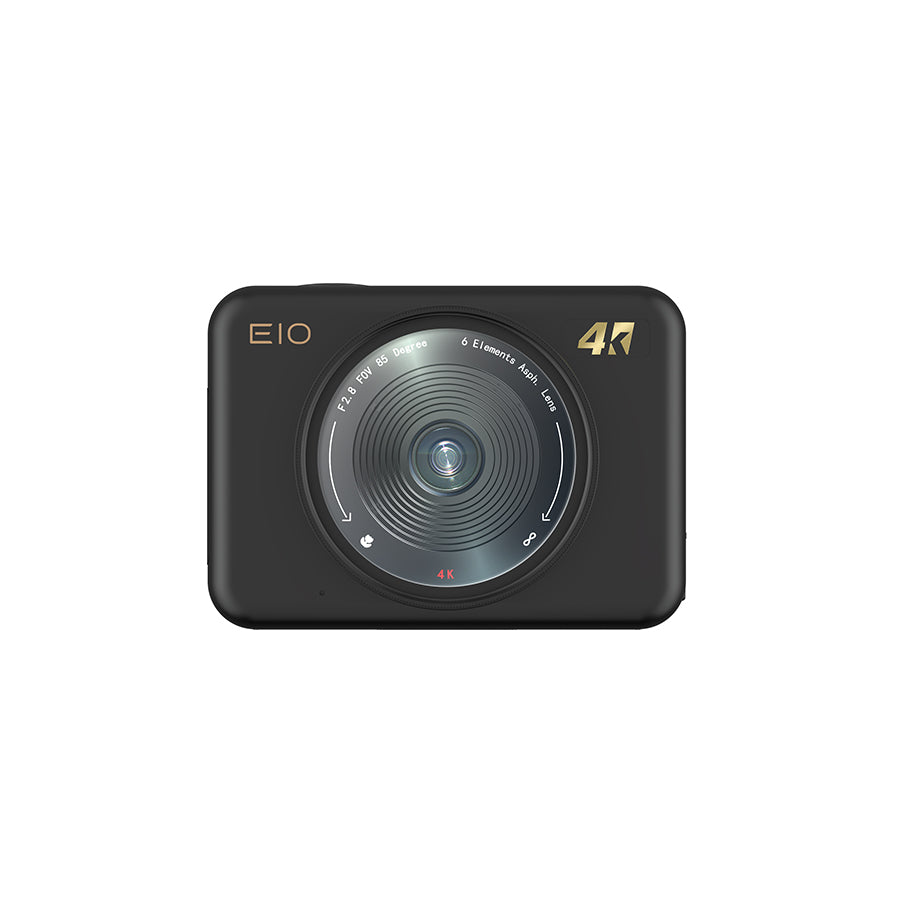
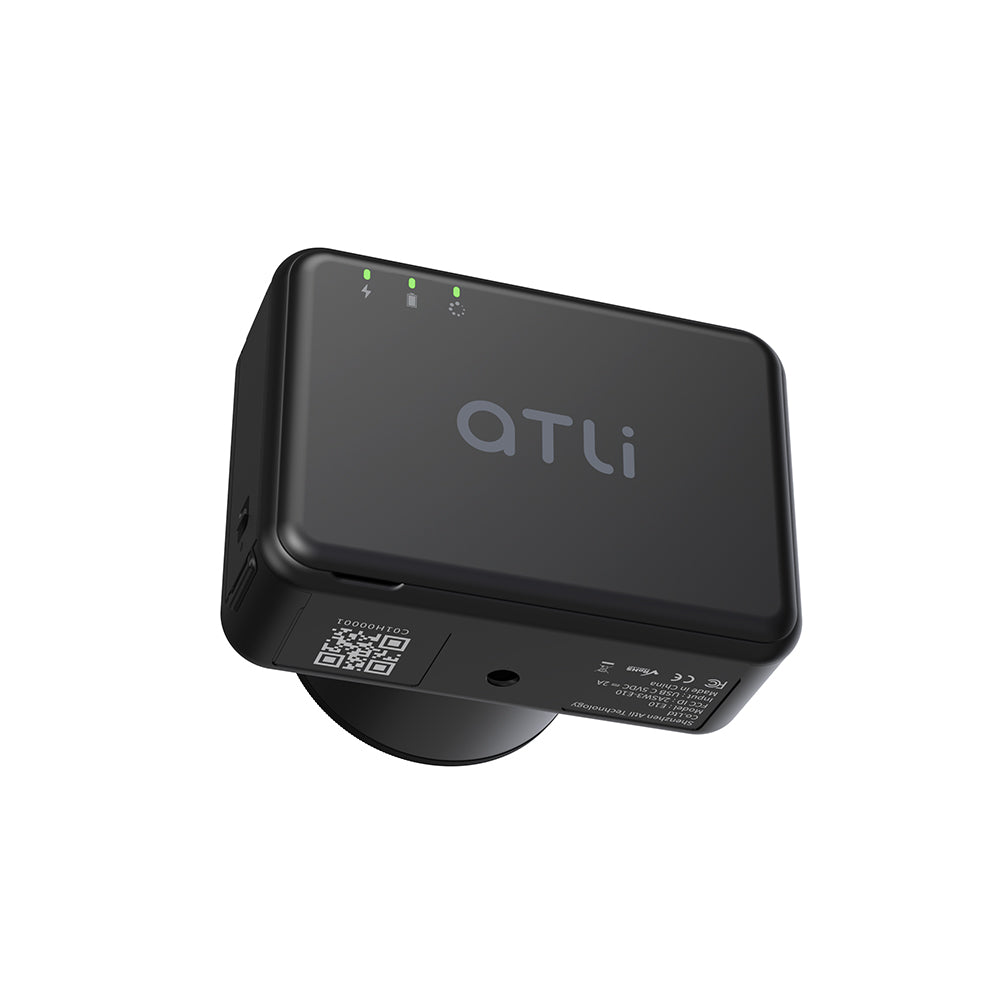

ATLI E10 4K Time Lapse Camera
| Resolution | 4K (3840 x 2160) 1080P (1920 x 1080) |
| Focus Range | 6cm to Infinity (Manual) |
| Connectivity | Wi-Fi 5 |
| Power Supply | 4400mAh Li-ion Battery / USB-C (5V/2A) |
| Storage | MicroSD (Up to 512GB) |
| App Compatibility | iOS / Android / Windows / MacOS |
Pairs well with
In stock! Ships worldwide within 1-2 business days.
1-Year Warranty
ATLI E10 4K Time Lapse Camera
If you have any questions, you are always welcome to contact us. We'll get back to you as soon as possible, within 24 hours on weekdays.
-
Shipping Information
Use this text to answer questions in as much detail as possible for your customers.
-
Customer Support
Use this text to answer questions in as much detail as possible for your customers.
-
FAQ’s
Use this text to answer questions in as much detail as possible for your customers.
-
Contact Us
Use this text to answer questions in as much detail as possible for your customers.
Redefining Time Lapse Efficiency.
Create stunning 4K time lapses with ATLI E10. Designed to simplify and streamline your workflow for maximum efficiency.

One Camera. Endless Possibilities.
3D Printing
Hydroponic
Growing
Stage
Construction
Crop Health Monitoring
Artistic
Creation
Warehouse
Management
Conference
Documentation
Explore Key Features


Professional Time Lapse. Fully Automated.
Master long-term projects with the ATLI E10. This professional 4K camera streamlines your workflow and simplifies team collaboration.
Pro-Grade 4K Resolution
Equipped with SONY STARVIS™ CMOS technology, the ATLI E10 delivers sharp 4K visuals with precision, vibrant colors, and outstanding performance in low-light condition.

Adjustable Focus: From 6cm Macro to Infinity
Master every scale with manual focus from 6cm to infinity. From revealing hidden textures in close-ups to capturing sweeping architectural views, the ATLI E10 is built for professionals.

Smart Scheduling. Streamlined Workflow.
Maximize your efficiency with the ATLI E10’s scheduling feature. Customize your output, saving methods, and time slots to fit any project requirement.
Instant Insights: Live Feed & Playback
The ATLI E10 offers live feed and intand playback on the app make it easy to stay on top of your timelapse projects. You can monitor progress in real time and review footage anytime to ensure everything is going as planned and make quick adjustments to achieve results with confidence.
File Management, on Autopilot.
The ATLI E10 simplifies file management with auto sync options. Connect your Google Drive or set up FTP to automatically upload photos and videos, removing the need for manual retrieval from the SD card. Stay focused on your projects while your files are securely stored and always accessible.
Built for Teams. Designed for Security.
Share your camera with team members or clients, enhancing collaboration across your projects.Assign different access, from full admin control to view-only, ensuring everyone plays their part while maintaining the integrity of your project.

Instant Alerts.
Stay Informed.
Receive instant alerts via the app or email for critical events, such as power interruptions, low battery, or low memory, so you’re always aware of your camera's status.
Standard 52mm Filter Support.
The E10 features a standard 52mm lens thread, allowing you to stack filters for limitless creative effects. We recommend starting with a ND8 Filter to master bright light, prevent overexposure, and achieve smooth, cinematic motion blur.
$39.99

Complete Control Across All Devices
Weahter you are at home or in the studio, manage your workflow seamlessly. Support on iOS, Android, Windows, and macOS.

ATLI Cam+ App
ATLI Cam+ (Mobile)

ATLI Desk Software
ATLI Desk (PC/Mac)
Complete Control Across All Devices
Weahter you are at home or in the studio, manage your workflow seamlessly.
Support on iOS, Android, Windows, and macOS.

ATLI Cam+ App
ATLI Cam+ (Mobile)

ATLI Desk Software
ATLI Desk (PC/Mac)
Get the latest versions for all platforms.
Set It. Power It. Forget It.
The ATLI E10 is designed with industrial reliability in mind. Its plug-in power capability ensures 24/7 operation for extended projects. Whether used for performance tracking or time-lapse documentation, the E10 is built to perform consistently in demanding environments.

Why Upgrade to the E10?


Key Specifications
Everything You Need to Start Creating

ATLI E10 Camera
The legend, remastered. 4K Time Lapse.
128GB High-speed MicroSD
Pre-installed & Included.
Power & Protection
Li-ion Battery + Premium Carry Case.
Essentials
USB-C Cable, User Manual, Cleaning Cloth.
Mounting Accessories
Enhance your shooting experience with our range of accessories designed for easy camera mounting.

C-Clamp and Ball Head Set
This c-clamp and ballhead set can be fastened to a variety of objects, including poles, benches, fences, railings, and more.

11“ Magic Arm & Clamp Kit
The magic arm set is super flexible and can adapt to meet all of your shooting requirements.